01
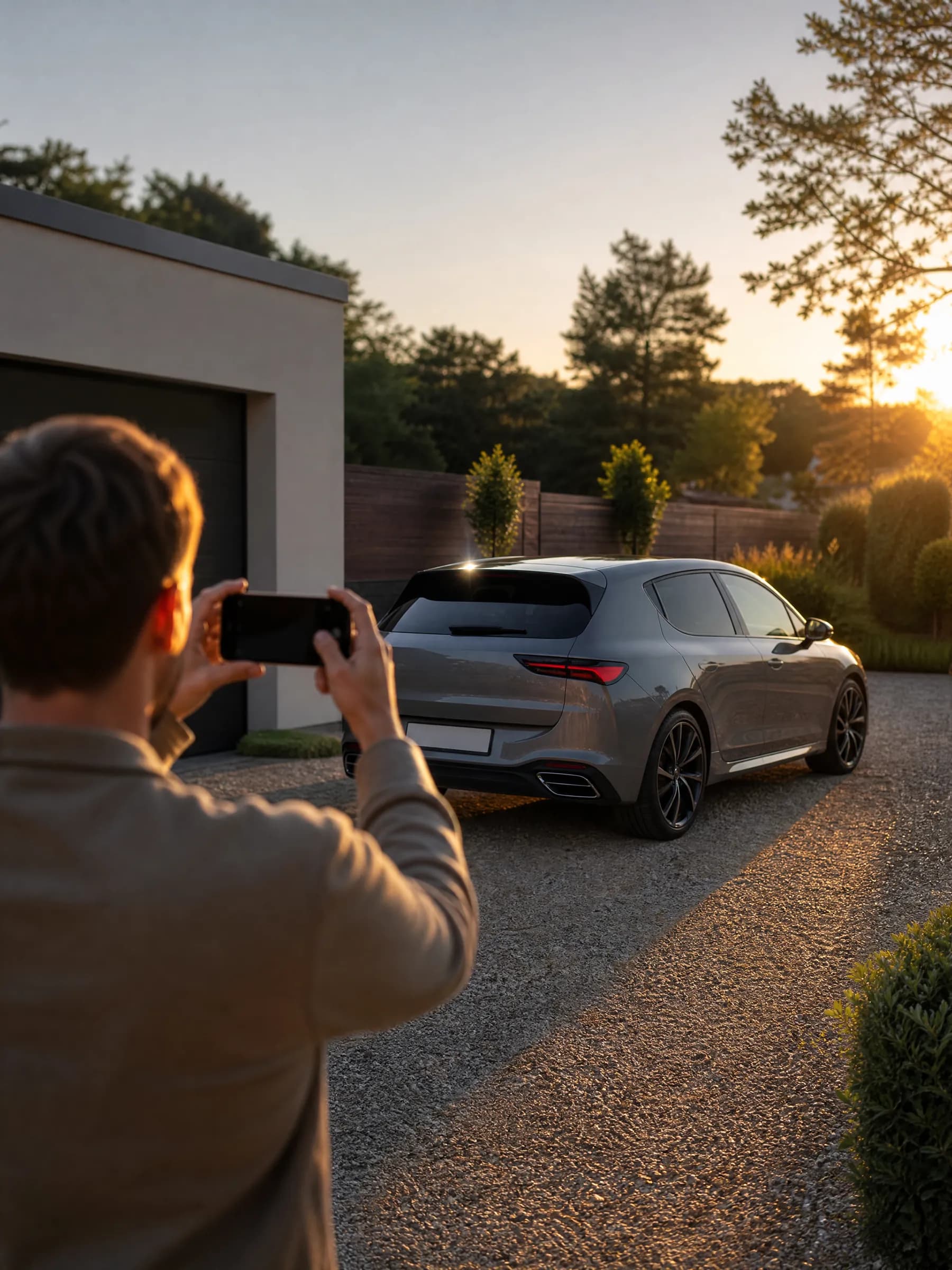
Upload one photo
Choose a photo of the whole vehicle from the side or a three-quarter angle. Daylight, no filters, bumpers in frame.
JPG, PNG or WEBP up to 15 MB. HEIC works in browsers that can open it. The photo stays on your device for now.
02How it works
One page, five steps, about a minute. Here is exactly what happens to your photo along the way, including the parts that stay on your device.
Choose a photo of the whole vehicle from the side or a three-quarter angle. Daylight, no filters, bumpers in frame.
JPG, PNG or WEBP up to 15 MB. HEIC works in browsers that can open it. The photo stays on your device for now.
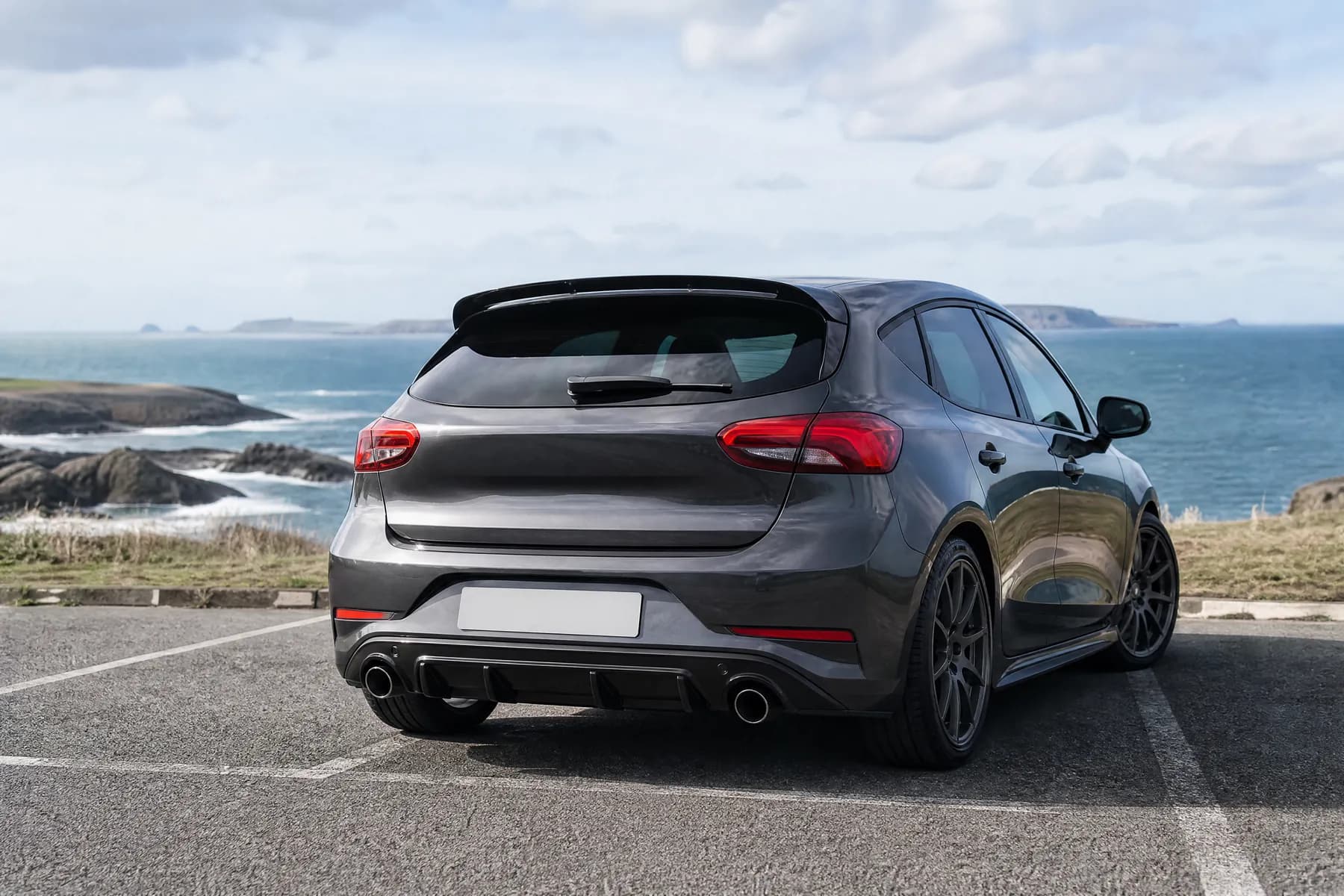
Tintora scans the photo for rectangular, plate-like panels and places blur boxes over likely number plates.
You check the result, drag or resize boxes, add more, and confirm. The blur is pixelated into the image on your device, so the unblurred photo is never uploaded.
 Blur
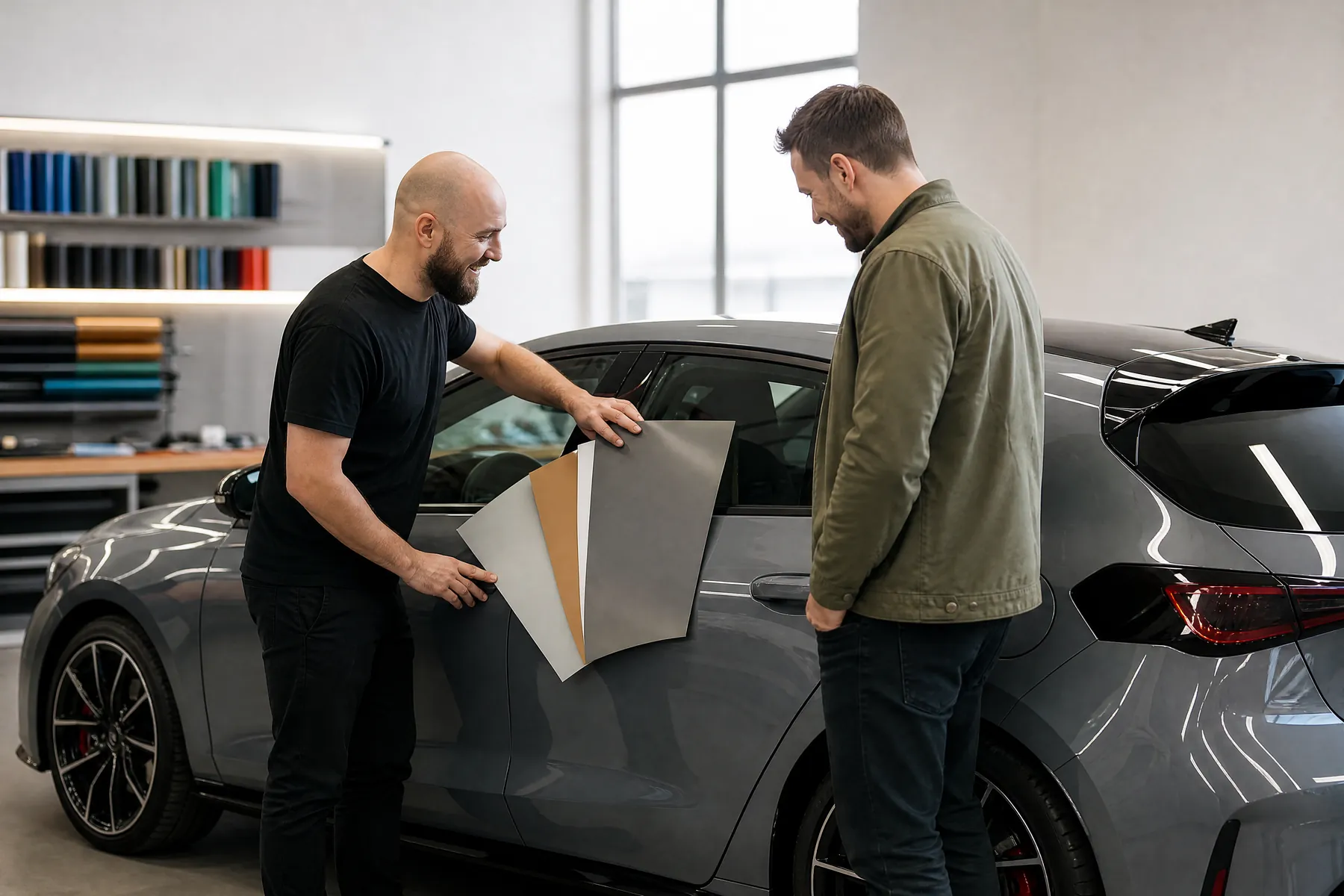
BlurNine finishes: gloss, matte, satin, chrome, carbon, colour-shift, metallic, brushed and two-tone. 25 colours. Or tap one of 12 presets.
There is no free-text prompt. Tintora builds a fixed instruction: recolour the body panels only; keep shape, wheels, glass, lights, background and badges unchanged.
The blurred photo is sent to our AI image model provider. It usually takes 30 to 90 seconds and you can watch the status as it goes.
Failed attempts never count against your allowance. Uploads are deleted within 72 hours and are never used for training.
Drag the divider to see your photo and the preview side by side. Download a PNG with a small visible AI tag and machine-readable metadata (IPTC digital source type: trained algorithmic media).
Free previews are 1024 px with a watermark for personal use. Paid plans give clean files up to 2048 px that you can use commercially when presented as AI previews.
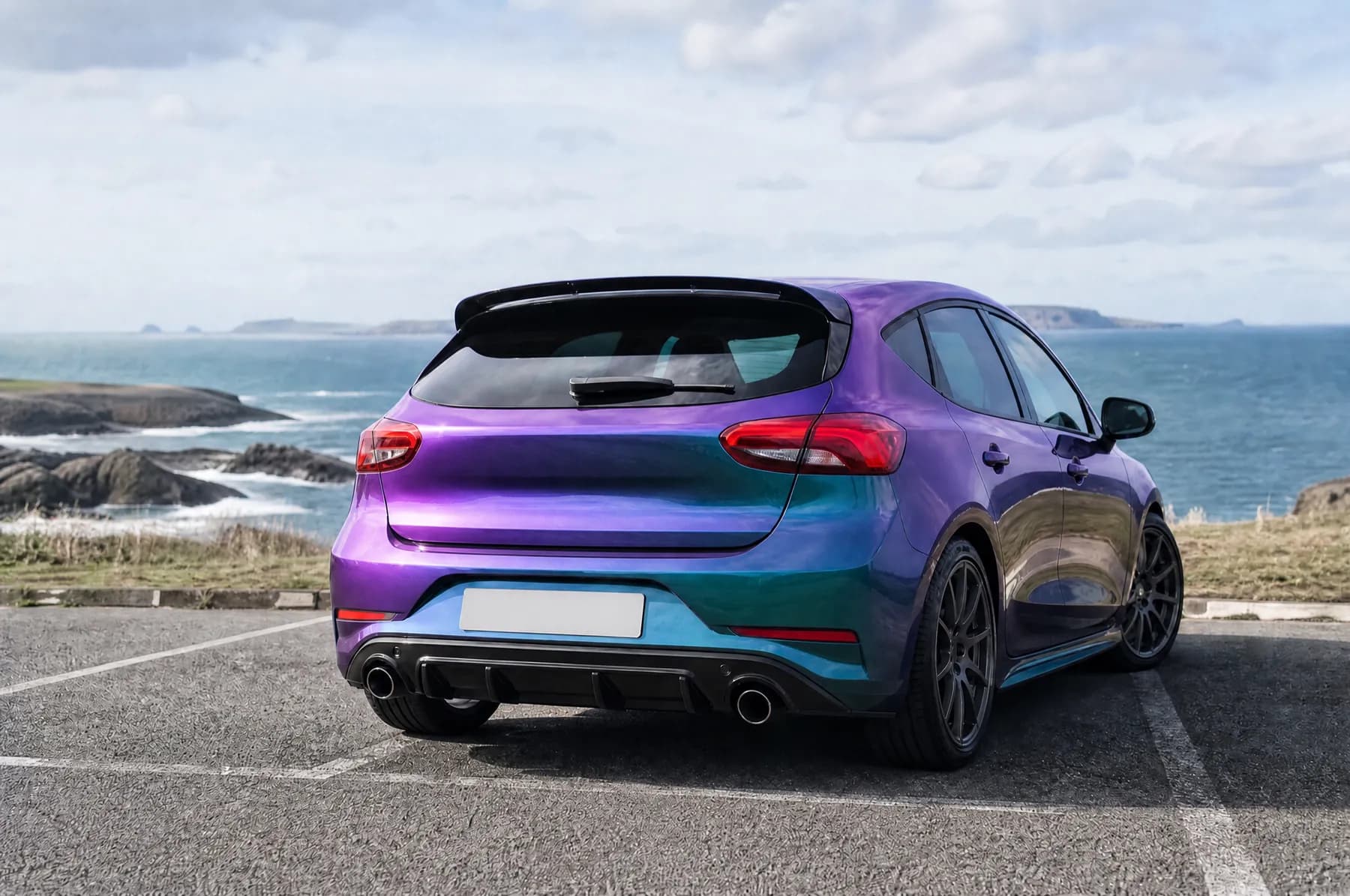
Illustration, not a quote
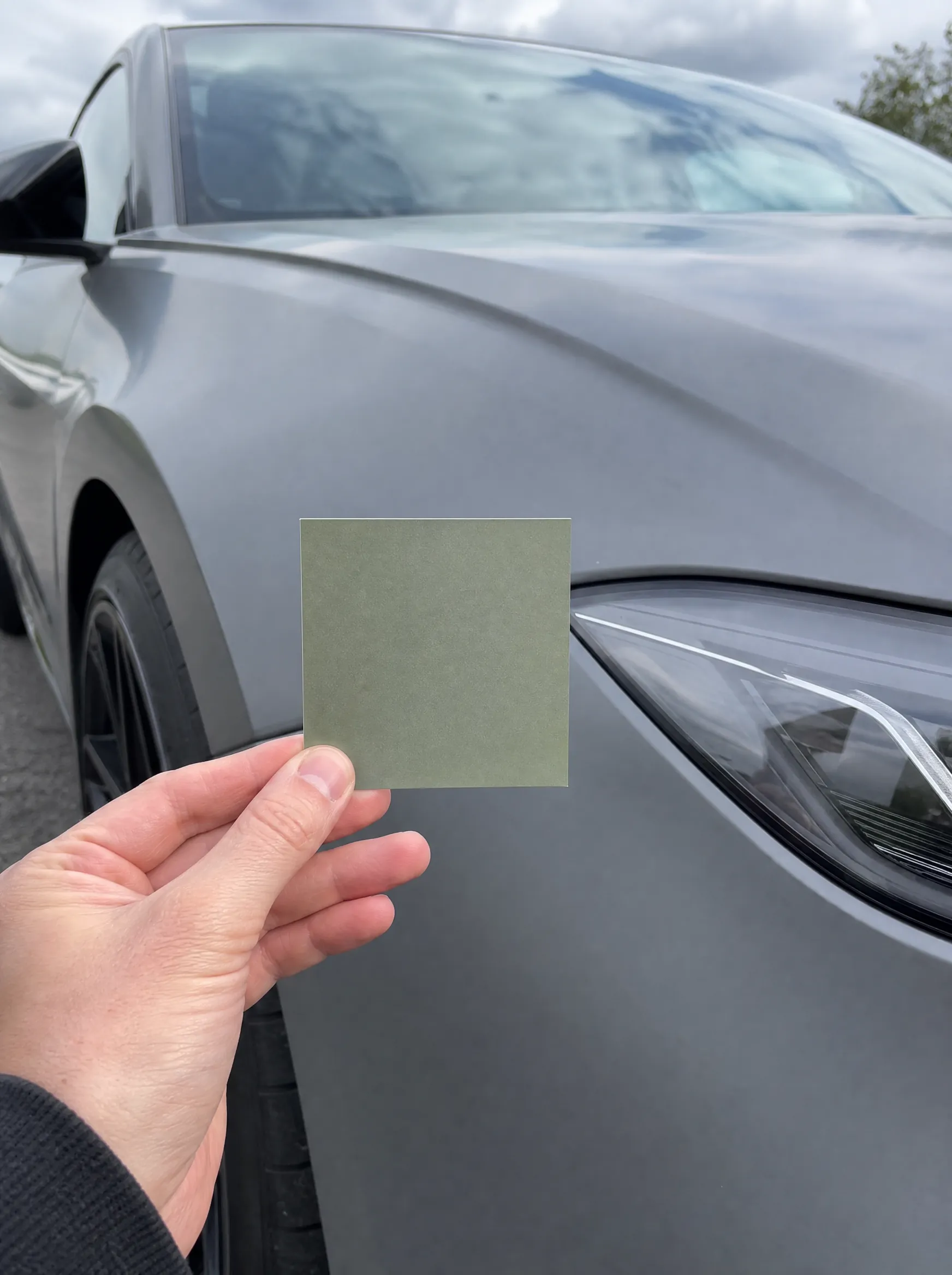
A preview shows a direction. Real film looks different under different light and from different makers. Check a physical sample.
Badges stay as they are
Tintora never adds or changes logos, and there's no way to ask it to. If the model alters a badge by mistake, tell us.
Registration and insurance
We don't advise on whether a colour change needs to be registered or declared. Rules differ by country.